


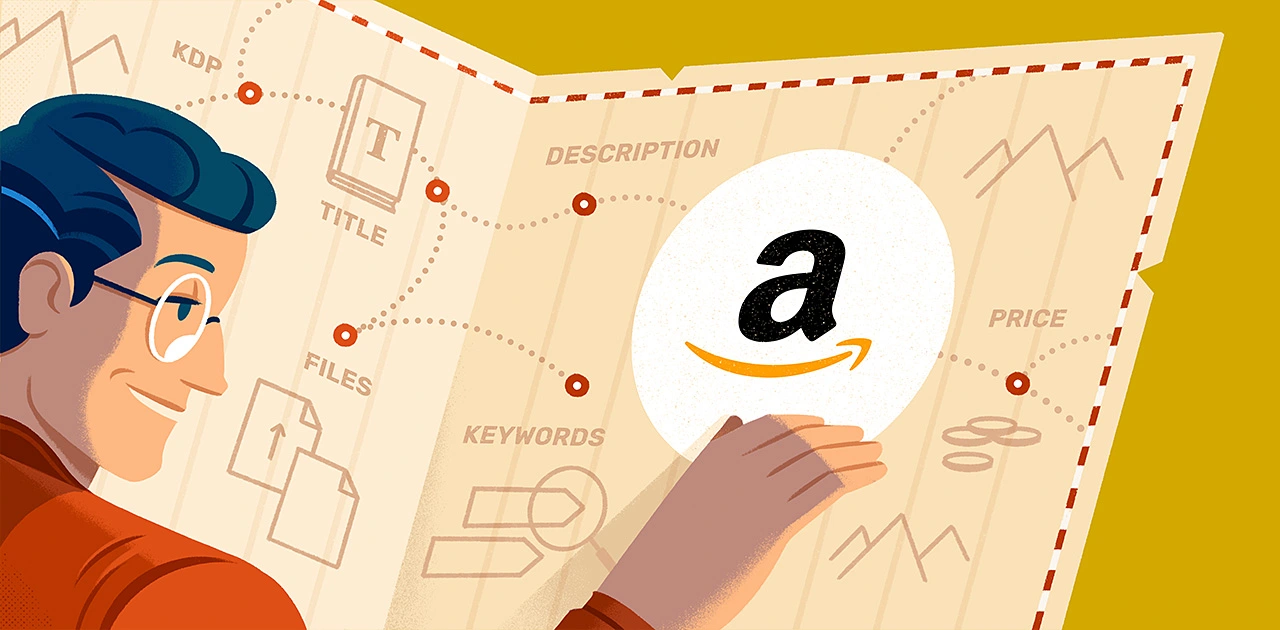
The upload itself takes an afternoon. That is the part everybody focuses on, and it is the part that matters least. Authors who are happy a year into self publishing on Amazon tend to be the ones who made a handful of unglamorous decisions before the manuscript ever went near a dashboard — about formats, rights, metadata, and what happens after launch week.
Get those right and the technical steps are almost boring. Get them wrong and you spend months undoing choices that seemed harmless at the time.
Before Self Publishing on Amazon, Decide What You Are Publishing
“A book on Amazon” can mean several different products, and they have different requirements.
An ebook reaches Kindle devices and apps. A paperback or hardcover needs a print-ready interior and a cover built to exact trim and spine measurements. An audiobook is a separate production with its own budget and timeline.
You do not have to do all three. You do have to decide, because file preparation diverges early. A manuscript formatted beautifully for print will not simply become a good ebook, and a cover designed for a thumbnail will not survive being wrapped around a spine.
Sort out rights and identifiers first
This is the section people skip, and the one that causes most regret.
Keep your copyright. You wrote it, you own it. Any arrangement that muddies that deserves a careful read before you sign.
Understand exclusivity before you accept it. Amazon offers promotional programmes that require your ebook to be sold nowhere else while enrolled. Those tools genuinely help some authors. The cost is that every other store is closed to you for the duration — fine if you choose it deliberately, frustrating if you discover it later.
Think about your ISBN. You can use a free identifier supplied by the retailer or buy your own. Buying your own means the imprint is yours and the same number travels with the book everywhere. Small cost, long tail.
Files, and why “it opened on my laptop” is not a test
A Word document is a manuscript. An ebook is a reflowable file that has to behave when a reader triples the font size on a phone at night.
What breaks most often: images sized for print, tables that do not reflow, footnotes, poetry and anything else where line breaks carry meaning, a hand-typed table of contents, and special characters that turn into boxes.
Whatever route you take, insist on a proof of the finished file before it goes on sale — and look at it on a small screen, not a desktop preview.
Metadata is your storefront
Readers do not browse your book. They find it, or they do not.
- Title and subtitle should tell a browsing stranger what they are getting.
- Categories decide which shelves you sit on. Choose where your actual readers already look, not the broadest category you qualify for.
- Keywords work best as short phrases a reader would plausibly type. Amazon has rules — references to other authors, to sales rank, or to promotions can get a listing rejected, so read the guidance rather than guessing.
- The description is sales copy, not a synopsis. Its job is to make someone want the book, and it deserves as many drafts as your opening chapter.
Pricing without guessing
Amazon pays a larger share of the list price inside a certain band and a smaller share outside it, so pricing is not purely a marketing choice — it changes what you earn per copy. Print differs again, because manufacturing cost comes out first and page count drives it.
Check what comparable books in your genre actually charge, then price where a reader will not hesitate. An unread book at a proud price earns nothing.
Plan the week after launch
Publication day is not an event for anyone but you, and being listed creates no demand.
Before you hit publish, know three things: who your first fifty readers are and how you will reach them, where honest early reviews might come from, and what you will do in month two when the launch bump flattens. A modest plan beats hoping the algorithm notices you.
Conclusion
Self publishing on Amazon rewards preparation far more than speed. Choose your formats deliberately, protect your rights, treat file quality and metadata as part of the product rather than paperwork, and know what you will do once the book is live. The authors who look back happily are rarely the ones who published fastest — they are the ones who decided carefully before publishing at all.


